

Latest Version
Dejan Noveski
Sports
Linux
Free
com.dekomote.vermouth
Report a Problem
More About Vermouth
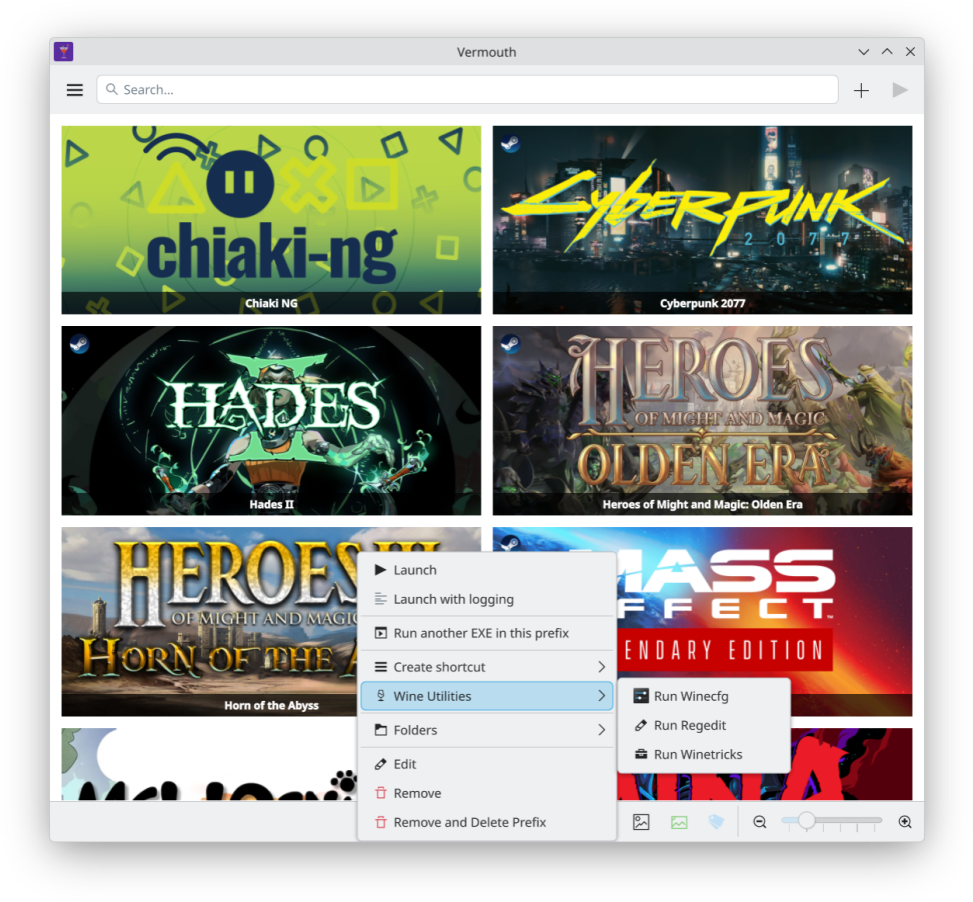
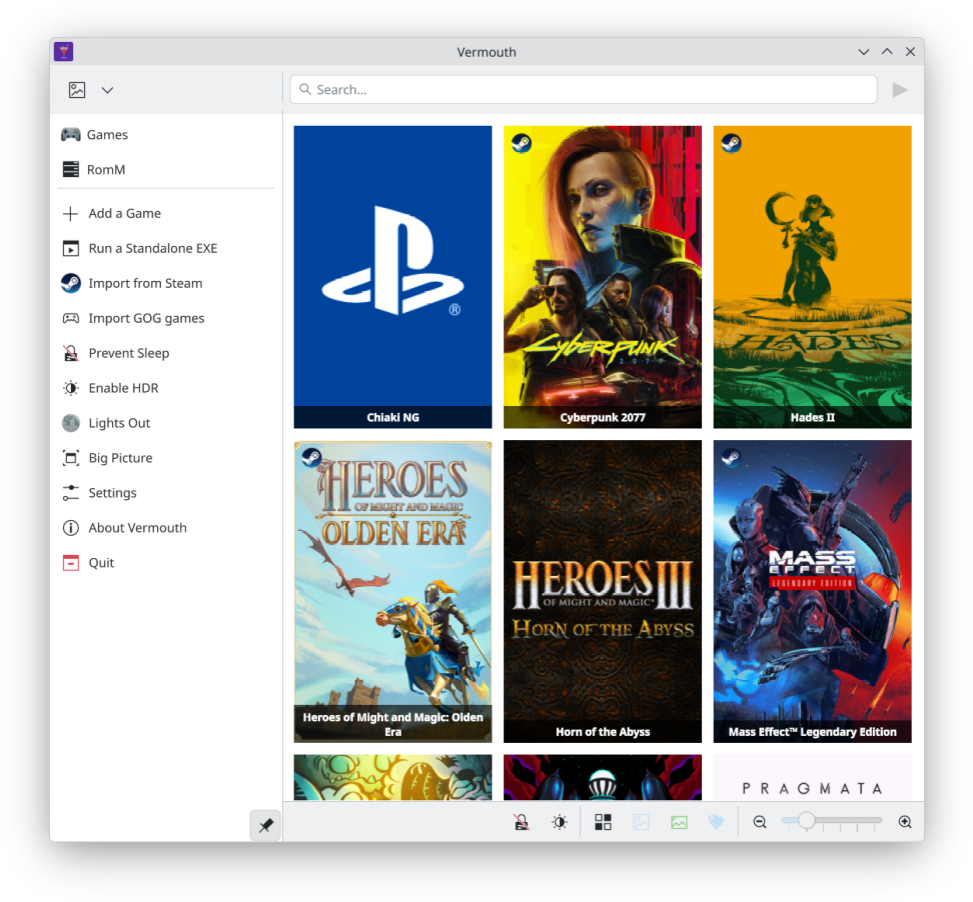
Managing a diverse gaming library on Linux often means juggling multiple compatibility layers and storefronts, but the Vermouth game launcher for Linux simplifies this process entirely by consolidating your entire collection into one elegant, KDE-centric interface.
What is the Vermouth Game Launcher for Linux?
Developed by Dejan Noveski, Vermouth is an open-source, KDE-first utility designed to act as a unified command center for your interactive entertainment. Instead of launching different emulators, compatibility tools, and storefronts manually, this application detects and organizes your titles so you can launch them with a single click.
Key Features and Integration Capabilities
Vermouth stands out by bridging the gap between various platform ecosystem technologies. Here is how it unifies your gaming environment:
- Native Linux Support: Instantly launch your native Linux applications and games without any middleman software.
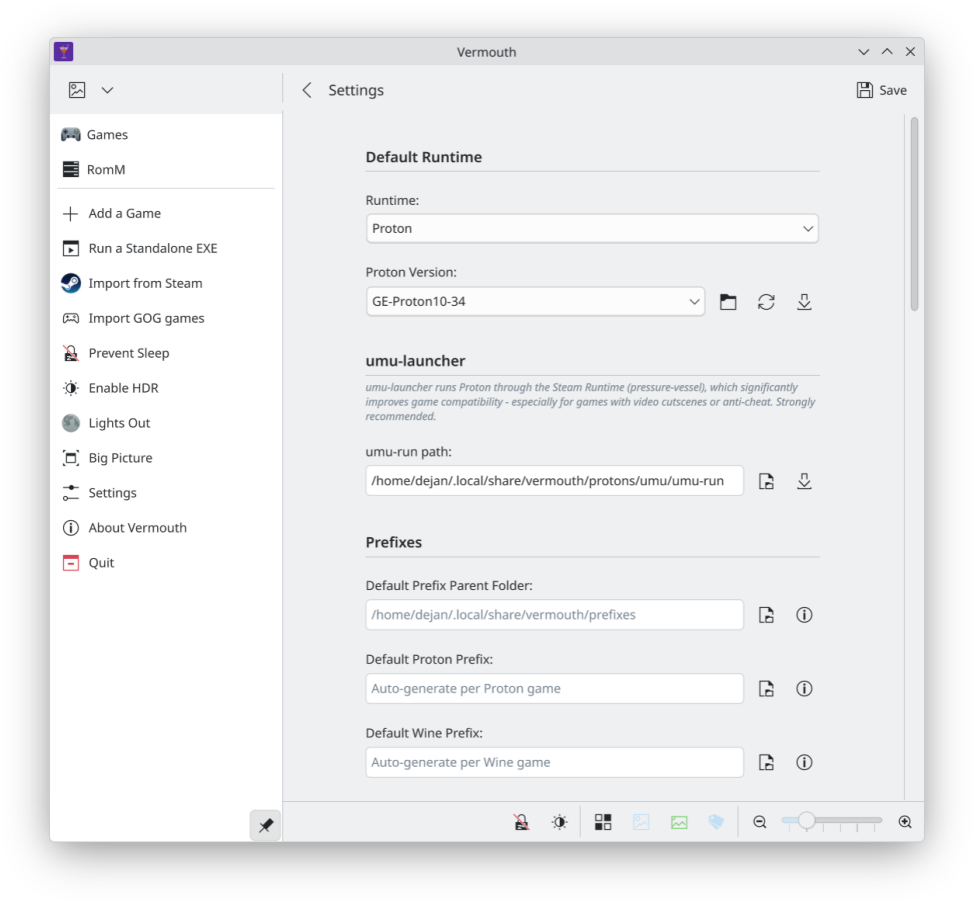
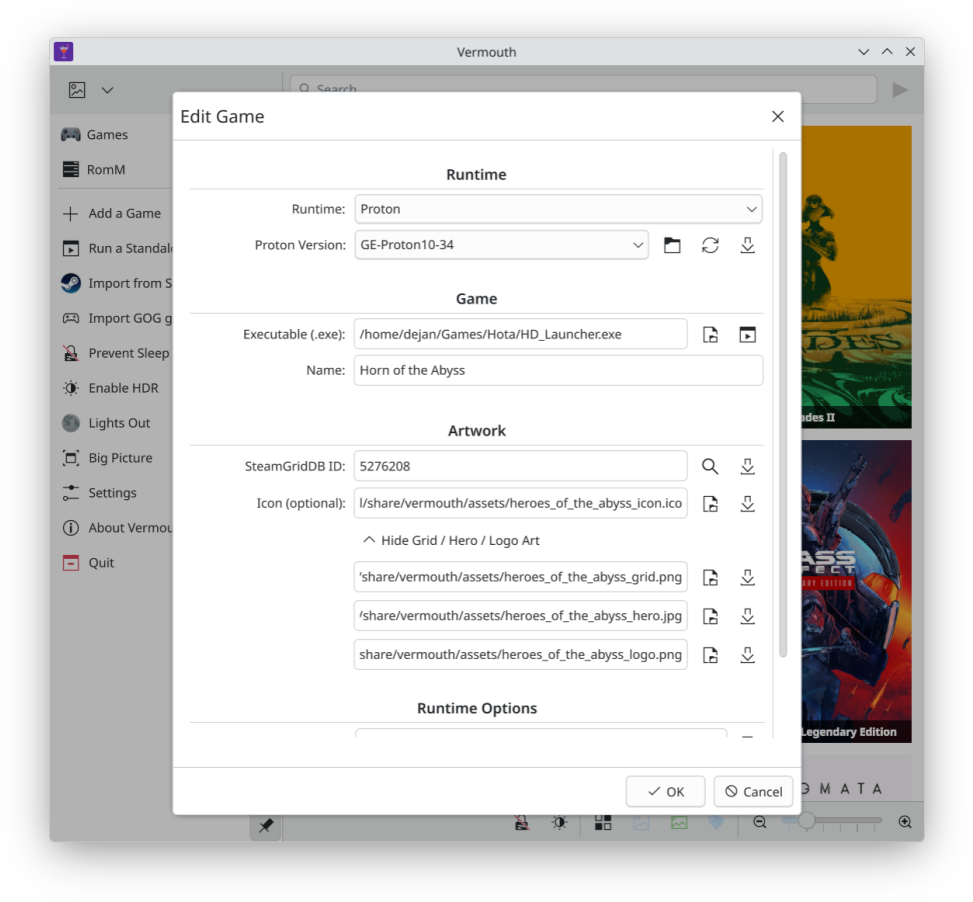
- Proton and Wine Integration: Run Windows-exclusive titles seamlessly by leveraging Proton or Wine directly through the launcher.
- Retro Gaming Hub: Connects with your RomM library and utilizes RetroArch to bring classic retro titles into your modern desktop environment.
- KDE-Optimized Design: Built with a KDE-first philosophy, ensuring the interface feels native, lightweight, and visually consistent with your desktop environment.
Who is Vermouth For?
This launcher is ideal for Linux desktop enthusiasts who want a clean, distraction-free dashboard for their digital library. Whether you are debugging a Windows title through Wine, booting up a native indie game, or loading a retro console ROM, it eliminates desktop clutter and keeps your focus entirely on the gameplay experience.
Streamline Your Linux Setup
If you are tired of fragmented launcher setups and want a cohesive, modern interface tailored for the KDE desktop, this tool offers an elegant solution. To explore its features further or to add it to your system, head over to the official Flathub store page to view the application details.
Rate the App
User Reviews
Other Apps in This Category



Popular Apps










Editor's Choice